Book trusted local help

Any service you need, booked in a few taps.

ServiceBook24 connects you with service providers near you: electricians, plumbers, AC repair, cleaning, movers, mechanics, event help, farm services and more. Follow every step of the booking in the app, from accepted to completed.

  • Providers near you
  • Start PIN for every job
  • Updates at each step
  • Email code or Google sign-in
  • 4-digit PIN to start each job
  • Notification at every step
  • Rate the provider after the job
Service categories

18 categories. 354 services.

From a leaking tap to shifting house, tuition, travel bookings or a tractor for the field. The app shows what is available near you.

How it works

From booking to done in four steps

The booking moves through clear steps, and both you and the provider see the same status.

  1. 1

    Choose a service

    Pick a category or search. Set your location so the app shows services and providers near you.

    Search and location
  2. 2

    Book a provider

    See providers near you, pick one and a time that suits you, and send the request.

    Requested
  3. 3

    Follow every step

    The provider accepts and travels to you. When they are ready to begin, you share your start PIN.

    En route → Arrived
  4. 4

    Pay and review

    When the job is done, share the completion PIN, pay in the app and rate your provider.

    Completed
Why people use it

Built so you always know what is happening

Man smiling at his phone while relaxing at home
Tracking
Provider en route
AcceptedEn routeArrived
Tracking

Know where your booking is

Once a provider accepts, the booking moves through clear steps: on the way, arrived, in progress, completed. During an active booking the app can show your provider's live location on the map.

  • A notification when the provider starts travelling
  • Arrival shown as soon as they mark it
  • Your location is used only while the app is open
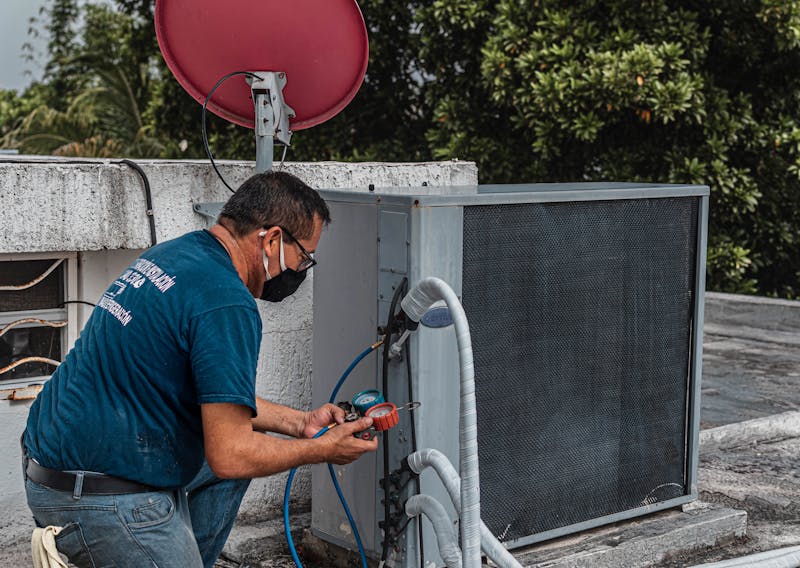
Technician checking an outdoor air conditioner unit
Start PIN
4821

Share this PIN only when the provider is ready to start.

Safety

Checked providers. A PIN to start.

Providers are reviewed by our team before they get requests. At your door, the job can only start with the start PIN from your app, and it closes with a separate completion PIN.

  • Provider profiles reviewed before approval
  • Start PIN: share it only when the provider is ready
  • Completion PIN: share it only when the job is finished
Hands holding a smartphone
Booking status
RequestedAcceptedIn progressCompletedCancelled
Status

One clear status, always

Every booking has one status that you and your provider both see. If a booking is rejected or cancelled, it says so plainly.

  • The app loads the latest status before you act
  • Notifications open the right booking screen
  • Booking fee and service payment shown separately
Man smiling while talking on his phone
Review
How was the service?
Reviews

Your rating counts

After the job is done, you rate the provider. Ratings help good providers show up higher when people near you look for a service.

  • Rate every completed job
  • Providers see the reviews they get
  • Ratings help sort providers near you
For service providers

Earn with ServiceBook24

Get job requests from customers near you, run each job step by step in the provider app, and keep track of what you earn.

  1. Accept
  2. Start travel
  3. Mark arrived
  4. Start job
  5. Complete
Join with an invite code

Get a code from a provider who already works with us, or from your hub.

Requests near you

You set the area you serve. Requests come from customers inside it.

Your availability

Choose when you are open for new work, right from the app.

Earnings in one place

See finished jobs and payments on the Earnings screen.

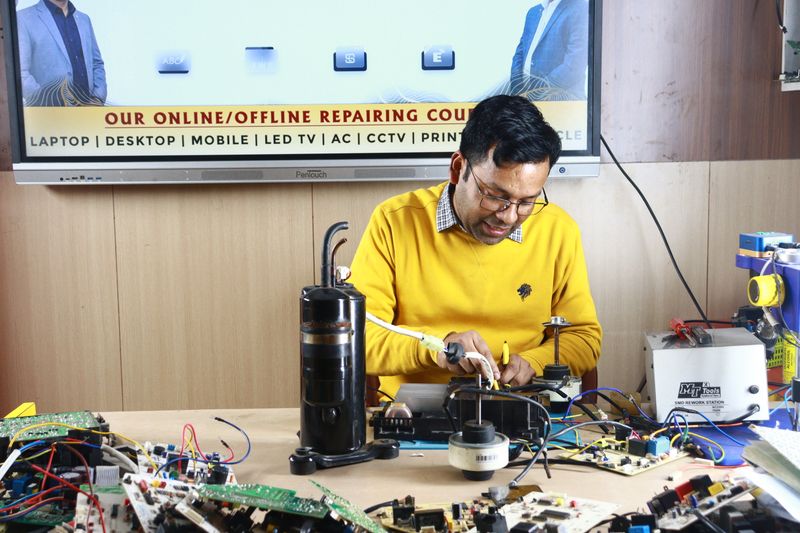
Repair technician working at his bench
New request
Washing machine & dryer
Customer nearby · Today
Requested
Get the apps

Two apps, one booking

Customers book and follow the job. Providers accept it and run it. Both apps are on Google Play for Android.

For customers

ServiceBook24

  • Search and book services near you
  • Follow each step with notifications
  • Start and completion PIN for every job
  • Pay and review in the app
Get it onGoogle Play
For service providers

ServiceBook24 provider app

  • Join with an invite code
  • Accept or reject requests near you
  • Start travel, mark arrived, start and complete jobs
  • Set availability and track earnings
Get it onGoogle Play
FAQs

Good to know

What is the start PIN?

Every booking gets a 4-digit start PIN in the customer app. Share it with your provider only when they are with you and ready to start. The job cannot start without it. When the work is finished, you share a second code, the completion PIN.

Can I track my provider?

Yes. After the provider accepts, the booking shows each step: on the way, arrived, in progress and completed, and you get a notification at each one. During an active booking the app can also show your provider's live location on the map when it is shared.

How do providers join?

Install the provider app, sign in, and enter an invite code. You can get one from a provider who already works with ServiceBook24, or from a hub that manages a team of providers. Your profile is reviewed before you start getting requests. No code yet? Use the form on our Become a Provider page or contact us.

Can I reschedule or cancel my booking?

Yes, you can reschedule or cancel your booking subject to our cancellation policy. Please refer to the 'Cancellation Policy' page for detailed information. You can manage your bookings through your account dashboard.

Reach out

Need help? Chat with us on WhatsApp

Have a question about a service, a booking or joining as a provider? Send us a message on WhatsApp and our team will get back to you. You can also give us a call.